

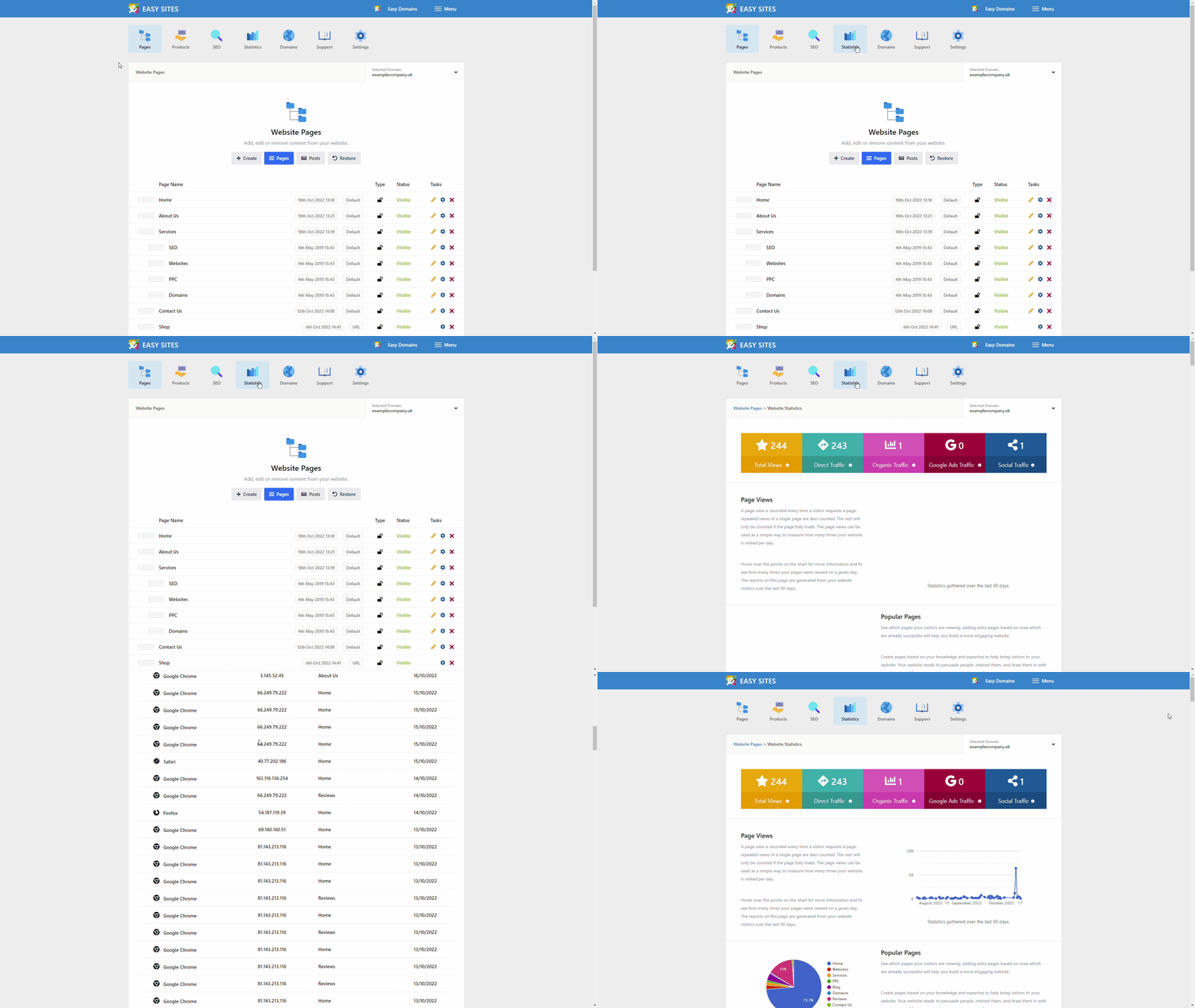
This guide will walk you through the process of checking your website statistics in Easy Sites.
Step one will walk you through the process of logging into Easy Sites and navigating to your statistics page, if you already know how to do this, please skip to step two.
Logging In
Navigating to the Statistics Page
Let's start by navigating to the Easy Sites sign-in page and clicking the "Login to your account" button. Once pressed you will be presented with a login screen where you can enter the email address and password provided by Easy Sites. If you do not have access to your email address and password, please follow our Forgot Password tutorial.

Domain Menu
You should now be presented with a list of the websites and domains you have with Easy Sites. Please click "edit site" on the website of your choice.

Statistics Tab
Then from the next page click the Statistics tab (bar graph icon). This will now land us on the statistics page.
What Does Everything Mean?
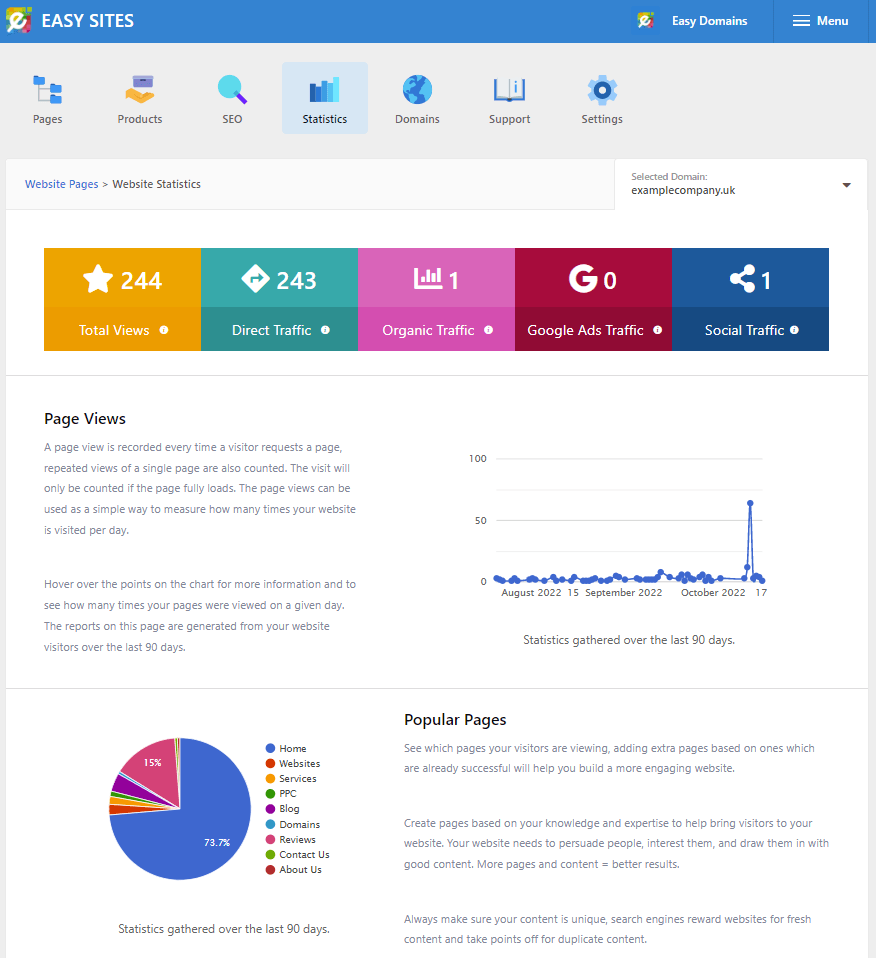
In this section we would like to explain what everything means. The statistics page gives you a full breakdown of your website stats over the last 90 days.
Total Views: This is the total number of times your website has been viewed in the last 90 days.

Direct Traffic: Includes all users which visited your website by going directly to your domain name. This can include but is not limited to, people typing the url in, links from other websites, links from emails and traffic which does not fall into the following categories.

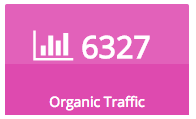
Organic Traffic: This includes all visitors which come from the main search engines Google and Bing.

Google Ads Traffic: This includes all visitors which come from Google Ads. Visits from your adverts are counted automatically when auto-tagging is switched on in your Google Ads account; if it is not, include the special keyword (tega=true) in your Google Ads URL. For example www.yourdomains.co.uk?tega=true

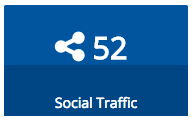
Social Traffic: This includes all traffic from any social media sites.

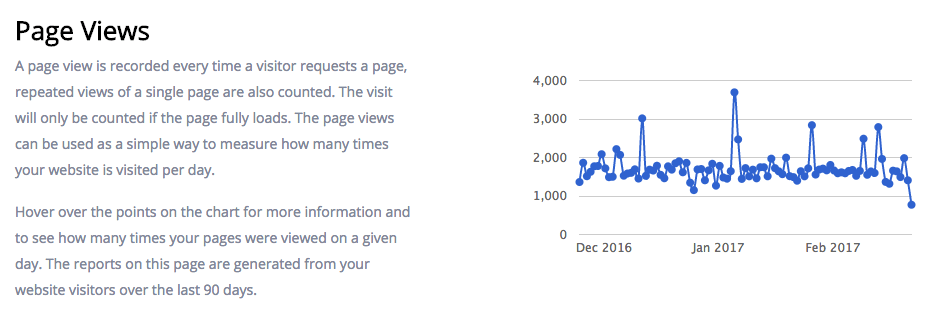
Page Views: A page view is recorded every time a visitor requests a page, repeated views of a single page are also counted. The visit will only be counted if the page fully loads. The page views can be used as a simple way to measure how many times your website is visited per day.
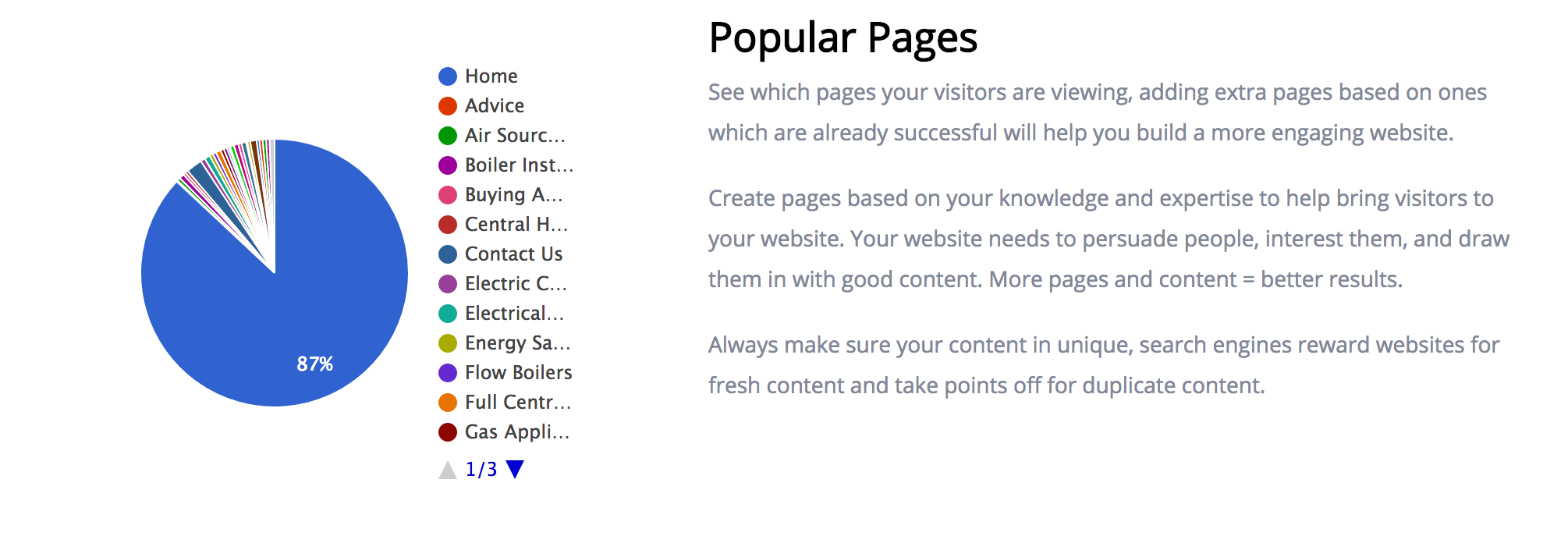
Popular Pages: Is a great way to see which pages are performing well. Use this information to see which are your popular pages and build relevant pages to build more interest.
Devices: See what devices your customers are using to visit your website. Mobile and tablet devices are becoming more popular with our sites seeing on average 27% more users using their mobiles than the same time last year.
Need Help?
If you have any problems following this guide or checking your statistics, please contact our team here.